
Documenting my Founding Engineer decisions
Building a product from scratch requires making numerous architectural and technical decisions. Since May 2024, I have been developing continuously, and I want to document the decisions I made as a founding engineer and the lessons learned from them.
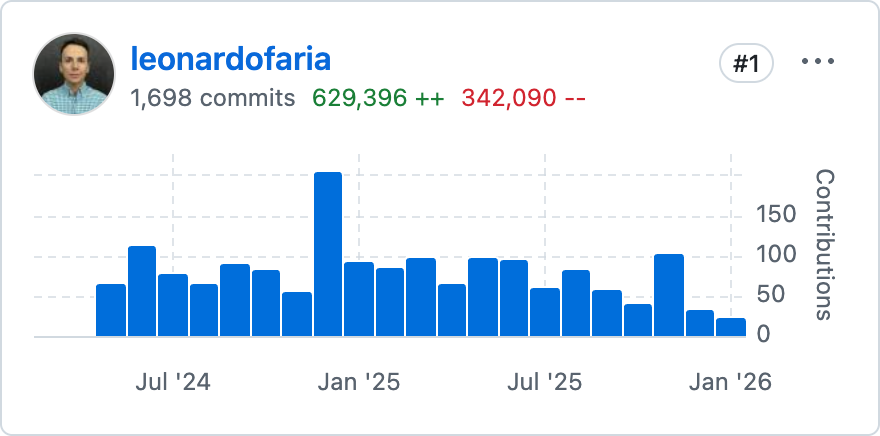 A random GitHub chart trying to prove a point
In this post, I will categorize the decisions into back end & front end, infrastructure, and tools, but first I will provide context about the product and the team.
Context
Pistachio ↗︎ is an all-in-one software for furniture/mattress stores. As a Point of Sale, it allows sales associates to create orders, process payments, and manage inventory. It also allows store owners to manage their business, including accounting, reporting, and inventory management.
The team is small and fully remote. It started with a CEO, a CTO, and a Founding Engineer, then we hired an additional engineer and one person for support/onboarding/training. Operating a bootstrapped startup involves significant volatility, and the team size has decreased over time.
When making decisions, I considered several factors including the obvious ones: cost, time, and complexity. However, one principle I consistently applied is a quote from Sandi Metz, whom I saw at a Ruby Meetup in 2017:
"When the future cost of doing nothing is the same as the current cost, postpone the decision. Make the decision only when you must with the information you have at that time."
Back end & front end
On my first day, I learned there was a "hello world" app in place, built with Next.js and next-auth. Coming from a company that used a monorepo with separate Next.js and Node.js backend projects communicating through GraphQL, I realized that architecture would not be optimal for a small team.
React Server Components
React Server Components launched at the right time and proved to be an excellent fit for a small team. It enabled us to build the application rapidly without managing separate API servers, authentication layers, or type-sharing infrastructure. I was still able to implement an authorization/permission system without impacting delivery velocity.
Prisma
Prisma seemed like a safe bet, even though Drizzle was gaining momentum. Prisma later introduced typed queries ↗︎, which proved valuable for custom report queries. Over time, I organized database scripts with a Ruby on Rails/ActiveRecord-inspired interface:
pnpm db:migrate: creates a new migration filepnpm db:seed: seeds the database with some datapnpm db:reset: resets the databasepnpm db:setup: resets the database and seeds it with some datapnpm db:rollback: rolls back the last migration
I also adjusted the CI/CD pipeline to run migrations accordingly when deployed to production.

Prisma (the company) also offered Prisma Optimize, their solution for optimizing PostgreSQL databases. We evaluated it for a period, but the performance issues were not significant enough to justify the cost.
Database
Since most of the data is relational, choosing PostgreSQL for a multi-tenant SaaS application was straightforward. Data was stored in Vercel Postgres (initially just a rebranded Neon), though Vercel eventually migrated their customers to Neon directly.
Neon Pros
- Integrates with Vercel out of the box
- Standard features are easy to set up (replication, backups, auto-scaling)
Neon Cons
- More expensive than maintaining your own PostgreSQL server
- No data masking
- Lower-tier plans impose security limitations (HIPAA compliance, networking restrictions, etc.)
While one feature would have benefited from a NoSQL database, the trade-off was not justified at this stage of product development.
Queues
In this application, queues are used to pull and classify (using AI) messages from users.
Last year Vercel launched their queues service ↗︎, which remains in beta. They provided a dedicated Slack channel with their engineers to support our implementation. While it doesn't yet match the maturity of other Vercel services, it satisfies our current requirements. A more mature alternative would be Inngest, but Vercel Queues was sufficient for our needs at the time. Vercel also provides a serviceable UI for cron jobs, which met our initial requirements.
Tests
I chose Jest and React Testing Library. In retrospect, Vitest would have been a better choice, but my familiarity with Jest made it a quick decision at the time.
Tests are often neglected in early-stage products, but they are crucial for maintaining a healthy codebase. In a small team especially, tests enable confident refactoring and feature development.
Styles
I chose Tailwind CSS and shadcn/ui. Especially with the progress of AI and tools like v0, this proved to be a solid choice.
While I have strong interest in frontend development and have contributed to design systems in the past, building a comprehensive design system was not a priority. I found a compromise by isolating components (with the option to extract them into a separate package later) and creating an internal examples section in the app. While not as robust as Storybook or dedicated design system documentation sites, it serves our current needs.
In some cases, I created wrapper components that internally use shadcn/ui but include custom shadows, paddings, margins, and color styles that are not customizable through their theming system.
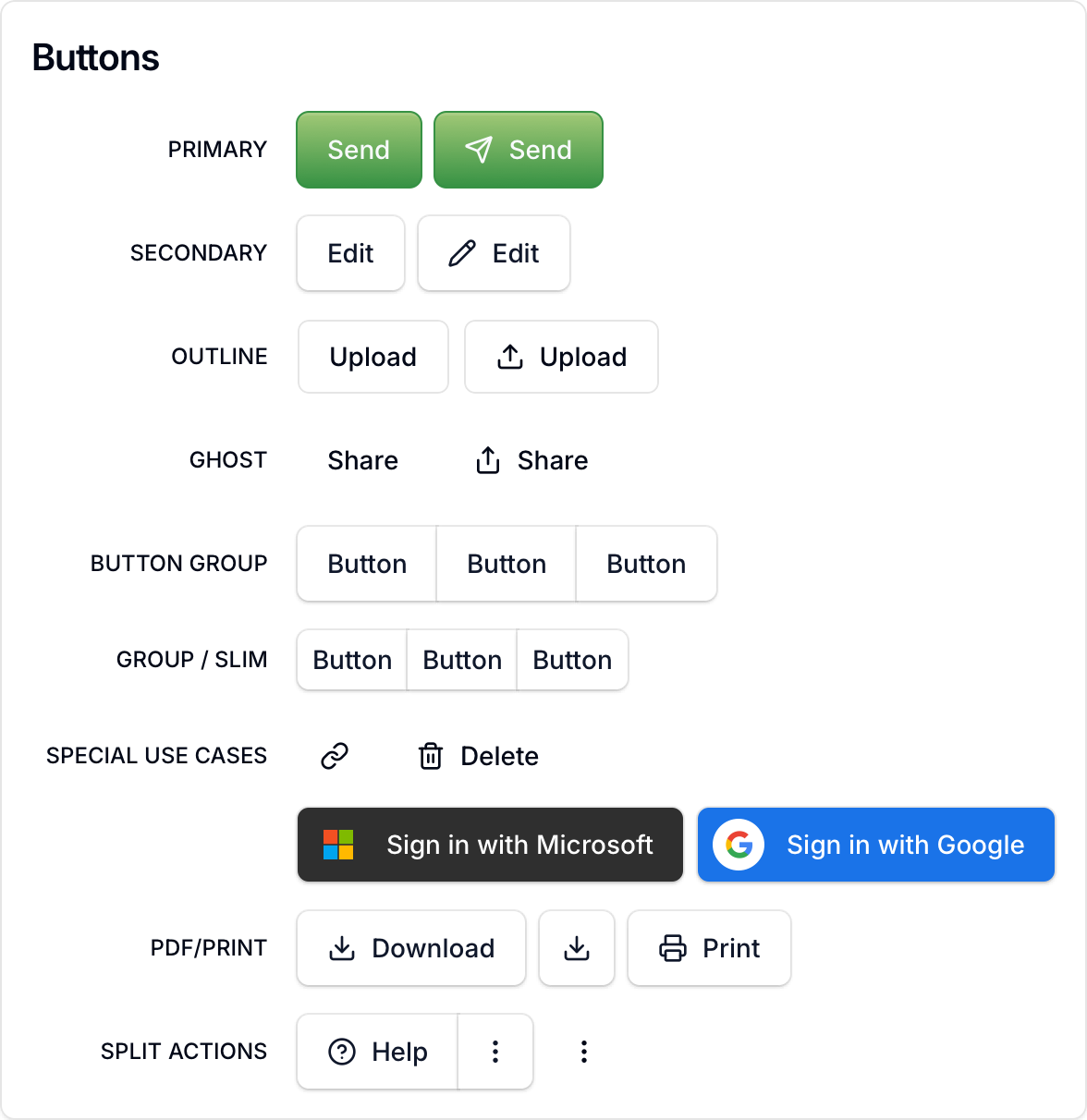
Part of this design was influenced by Campsite ↗︎. Although their product wound down, it was great to see their source code published on GitHub ↗︎.
Infrastructure
The primary goal for an early-stage company is rapid time-to-market. We needed a deployment solution that was both fast and straightforward.
Deployment
Vercel makes deploying Next.js applications straightforward. Deploy Previews are a particularly valuable feature, enabling us to test and review changes before merging to production.
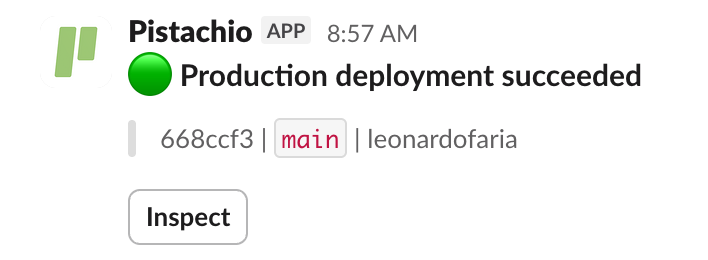
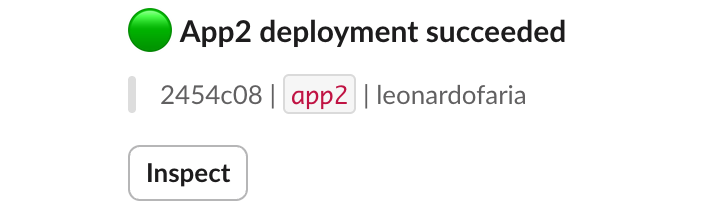
For Next.js upgrades and with minimal configuration, I established two environments (main and app2), each running a different Next.js version. This setup enabled incremental upgrades from Next.js 14 to 15, and from 15 to 16.
CI/CD
GitHub Actions handles test execution, linting, migration scripts, application builds, and Vercel deployments. Key decisions:
- I moved production builds to GitHub Actions after encountering persistent out-of-memory errors in Vercel when building with source maps for Sentry. This may no longer be necessary after the Next.js 16 upgrade, but it proved to be an effective workaround.
- I added Oxlint to accelerate linting by removing ESLint rules that Oxlint can handle. This introduced dual linters, which is not ideal for Developer Experience and I may revert this decision.
- I adopted the Go implementation of TypeScript in July, which delivered significant performance gains: type-checking time decreased from 51s to 6s.
- I used Blacksmith for GitHub Actions builds instead of GitHub's standard runners. It delivers faster performance at lower cost with a single-line workflow change. If you are curious, my small benchmark results:
Monitoring & logging
Sentry provides error tracking across the application. I implemented a wrapper function for server actions to ensure each exception is sent to Sentry with user context and metadata. Sentry also serves two additional purposes:
- Capturing messages: We log full API responses from certain integrations to help future debugging.
- Monitoring performance: We instrument individual server action steps to identify bottlenecks.
For application logging, Axiom ↗︎ was a good choice given its generous free tier. While usage has been limited, it works for current needs. The trade-off is the cost of Vercel's log delivery.
Integrations
Payments
In an ideal world, we would use Stripe. In practice, that did not align with our customers' needs—primarily due to cost. CardPointe, even when accessed through different intermediaries, offered more competitive pricing for our customers.
Terminals
One lesson from integrating with CardPointe is that merchant fees vary depending on how a transaction is processed. For example, credit cards verified with both a PIN and a signature incur different fees than those verified with a signature alone.
Payment links
We later added the ability to generate payment links, allowing customers to pay for orders without sharing credit card details over email or phone.
Tax calculations
As someone outside the United States, I was struck by the complexity of US tax calculations. Several providers offer tax calculation services; Avalara is the most widely known, but we ultimately chose TaxJar (a Stripe company). Their SDK is well documented. We encountered only one edge case—a specific tax calculation in a particular state—which was straightforward to resolve.
Accounting
Again, as a non-American citizen, I was impressed by the complexity of the accounting in the United States. I was not the one in charge of accounting, so I will briefly mention the company integrated with QuickBooks Online. Their developer experience is not great, not offering a good SDK with TypeScript support these days is unthinkable, but they still do it.
Delivery
One of my favorite integrations—and one that receives relatively little attention—is DispatchTrack ↗︎. It organizes deliveries by optimizing routes for time and distance. Several of our customers use DispatchTrack; our integration syncs orders to DispatchTrack, receives delivery status updates, and marks orders as delivered in Pistachio once delivery is complete.
Tools
Claude & Cursor
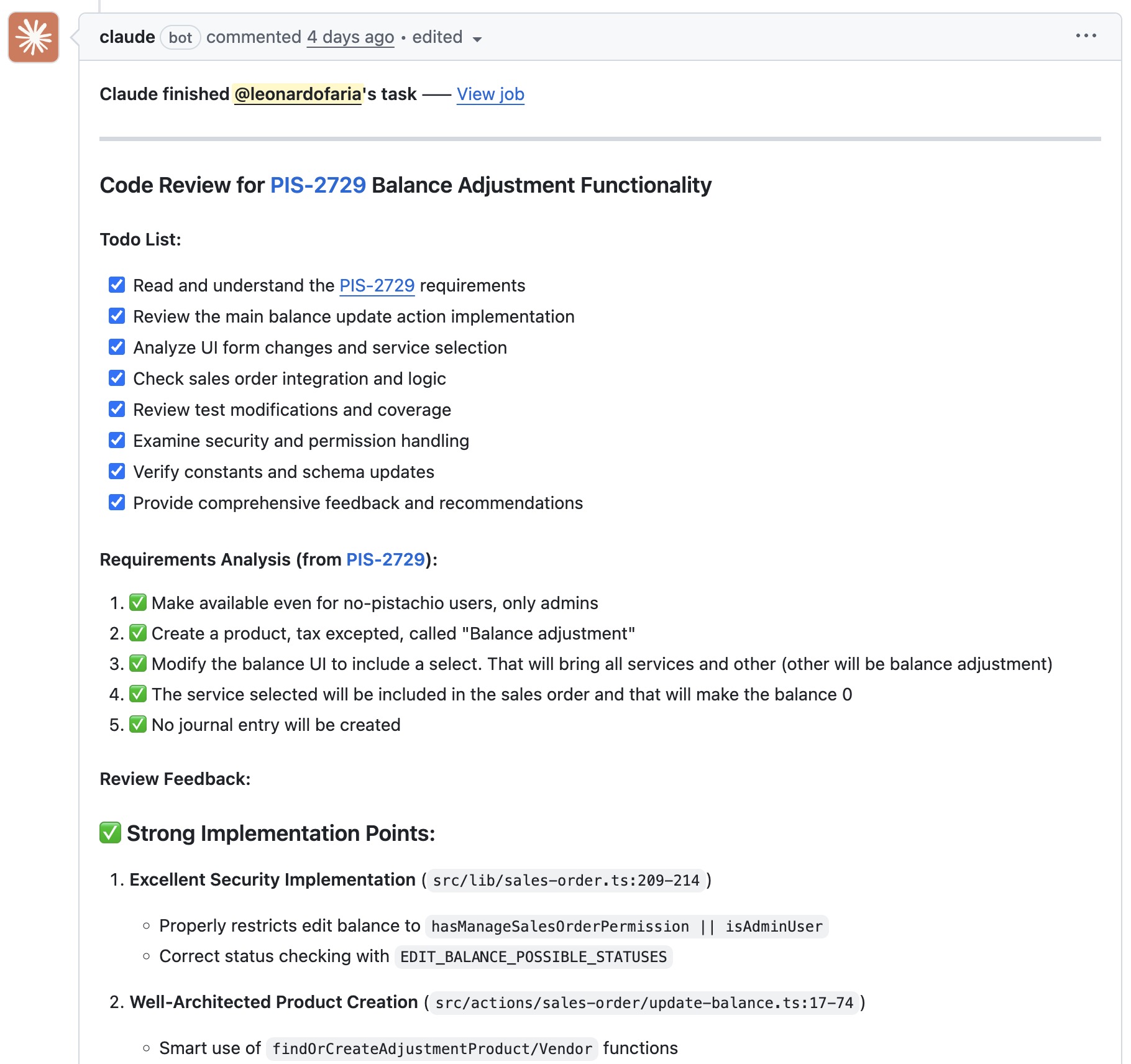
In the age of AI-assisted development, maintaining a comprehensive AGENTS.md file is fundamental. When not helping writing features, Claude assists with code reviews and automated test generation. However, there are two important caveats:
- Test generation: Claude frequently mocked components that should remain un-mocked, nullifying the purpose of the tests.
- Code reviews: Claude reviewing its own generated code fails to identify as many issues as alternative tools or human reviewers would.
PostHog
I chose PostHog as an all-in-one solution for feature flags, session replays, and event tracking. Of these capabilities, feature flags are most critical, enabling progressive rollout of features to users. Session replays provide value for debugging and understanding user behavior, particularly for identifying pain points. Event tracking, while useful, is the lowest priority—a nice-to-have rather than essential. My preferred event-tracking dashboard included:
- Daily active users
- Total online users
- Device and resolution breakdown
- Users per tenant over the last 7 days
Metabase
Technically not my decision, but Metabase helps a lot with custom reports. One multi-tenant customer had very specific reporting requirements that Metabase helped to solve. The solution involved provisioning a read-only database user with access to views that automatically filter data by their multiple tenants.
Typesense
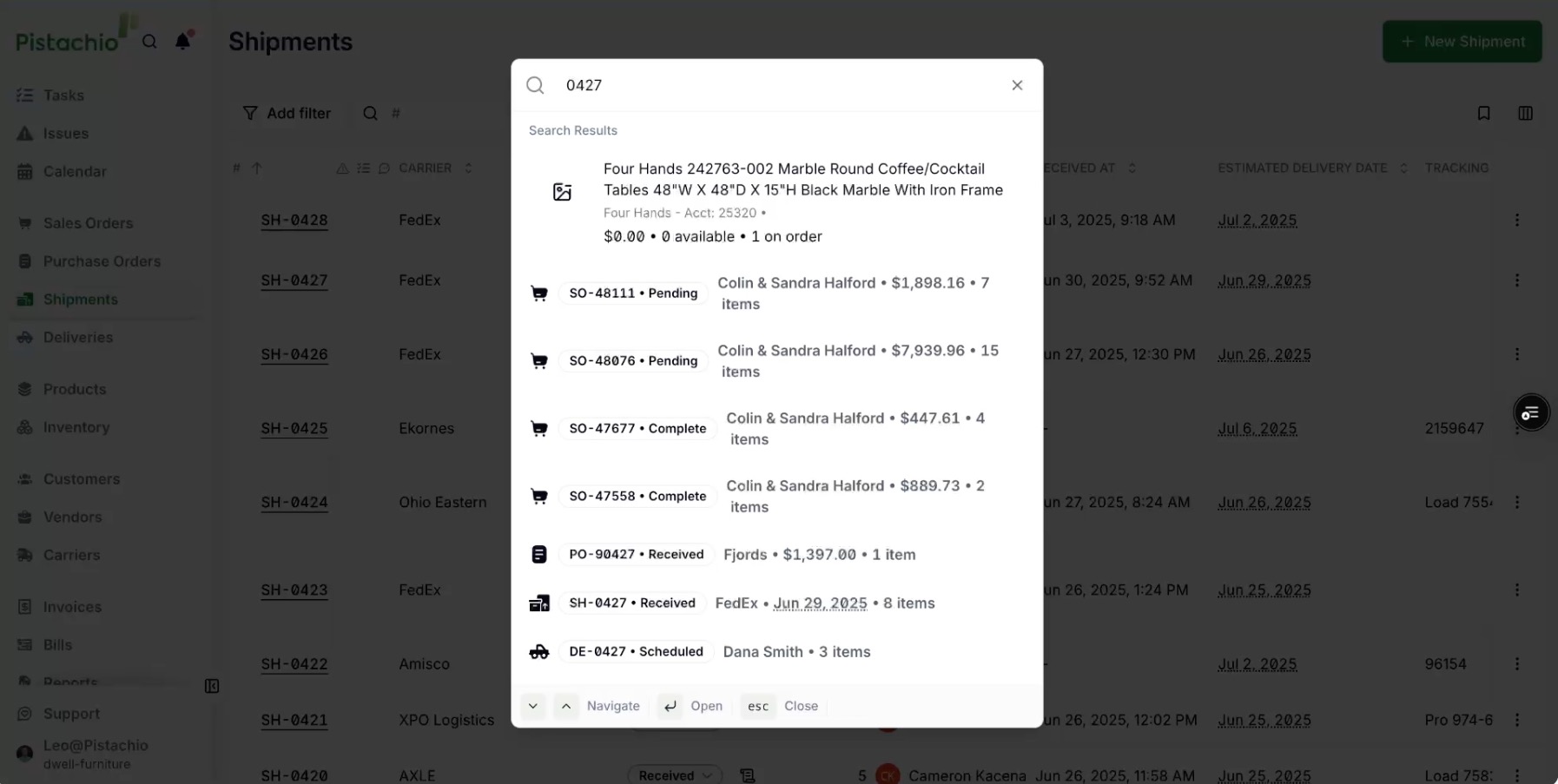
We adopted Typesense for search in two areas: the product catalog and global search. Catalog search matches product names as well as descriptions, specifications, and other metadata. Global search spans sales orders, customers, products, purchase orders, and related entities.
Framer
In July 2025, I rebuilt the marketing website. We had used Framer since the company's inception; I redesigned the one-page site to be more polished and responsive, reflecting the features we had added to the product.

Conclusion
In retrospect, most decisions made sense. Documenting and reflecting on these choices provides valuable perspective for future architectural decisions.